Menu Metrics Every Restaurant Owner Should Track
Menu metrics help restaurant owners track sales, costs, profitability, waste, and channel performance to make smarter, more profitable menu decisions.
menu development
May 12, 2026
Menu metrics help restaurant owners track sales, costs, profitability, waste, and channel performance to make smarter, more profitable menu decisions.
May 12, 2026
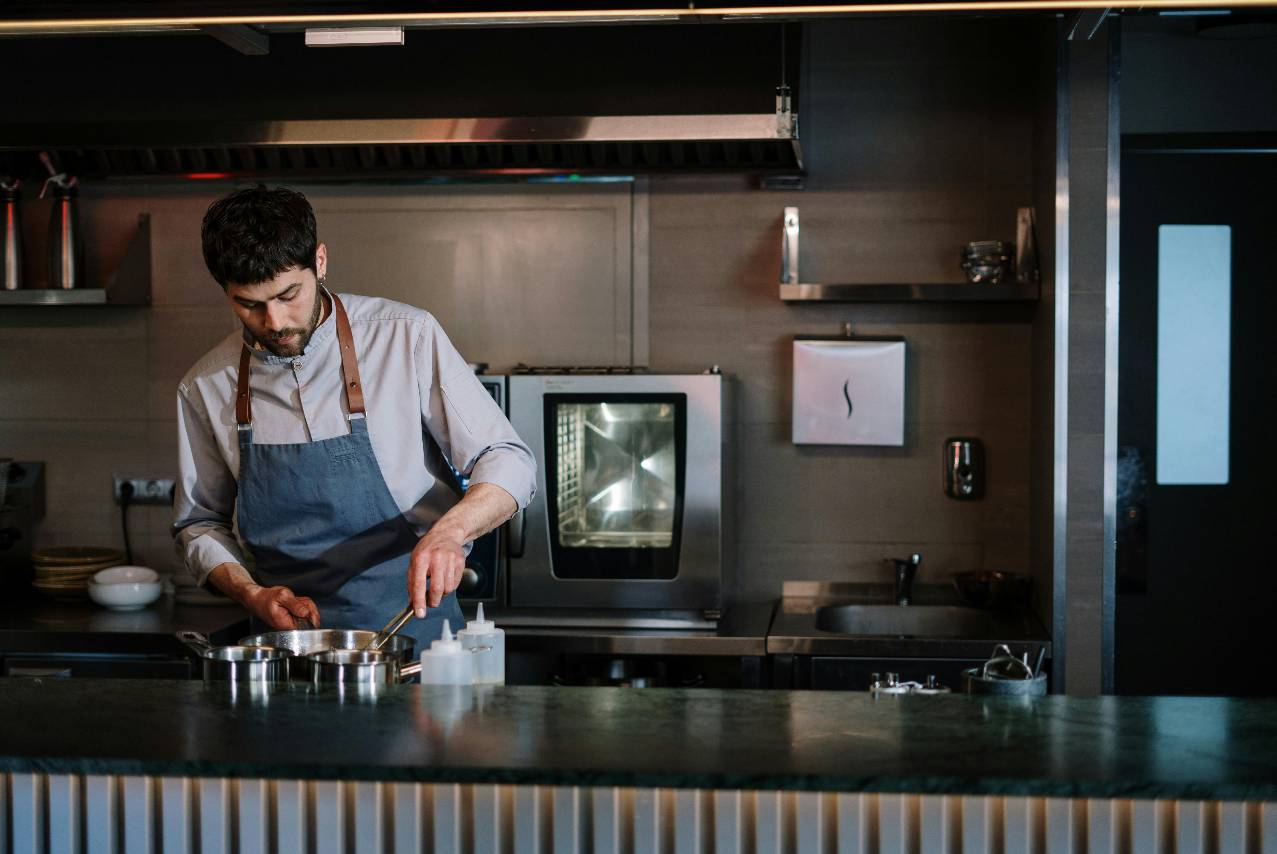
A Cloud Kitchen helps restaurateurs serve delivery customers, reduce front-of-house costs, manage digital orders, and grow profitably with data-driven operations.
May 11, 2026
This step-by-step guide will show restaurant owners exactly how to read their profit & loss statement, spot hidden leaks, and boost profit—no finance degree required.
May 13, 2026
Discover the real challenges and rewards of opening a pizza restaurant franchise in Huntington Beach, California. This article explores the operational journey, family dynamics, and strategic choices behind Pizza Guys, through the lens of the owner’s experience.
May 12, 2026

Explore the best areas in Virginia to open a restaurant by comparing demand, costs, tourism, labor, competition, and concept fit.
May 8, 2026
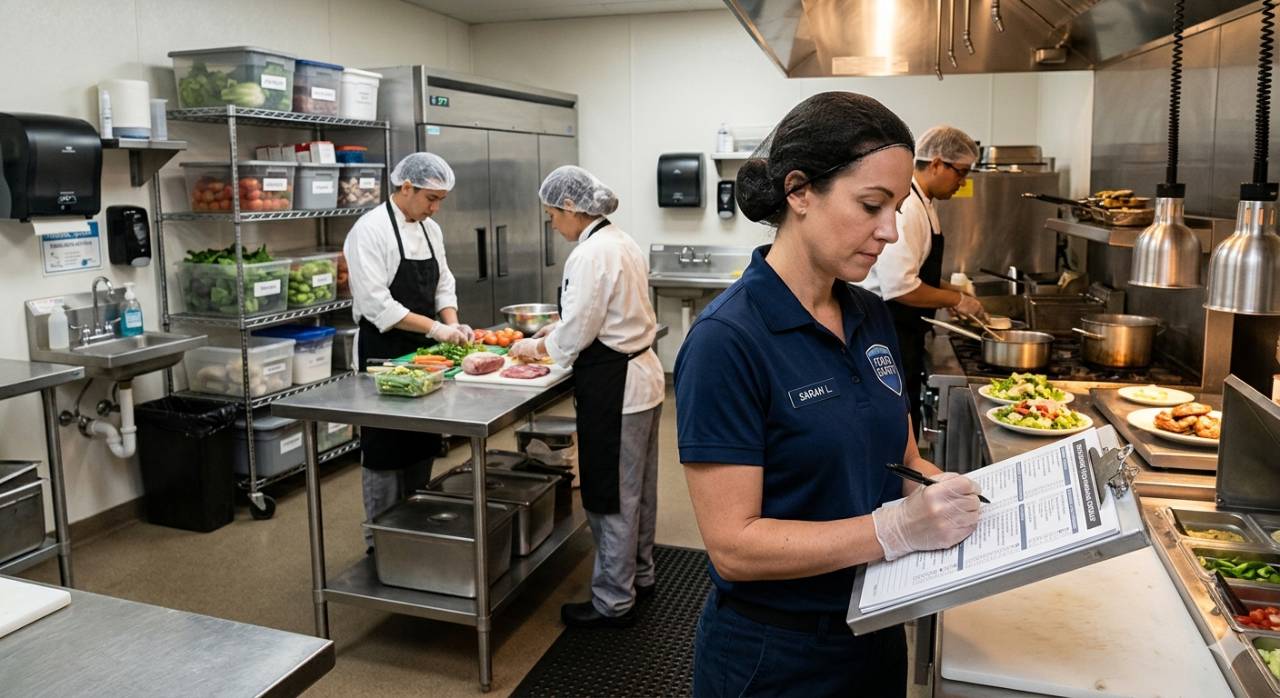
Food handling checklists help restaurants manage receiving, storage, prep, cooking, service, cleaning, training, and daily safety checks.
May 8, 2026
Learn how ignoring employee availability and scheduling preferences leads to disengagement, higher turnover, and lower productivity. Discover why people-focused scheduling improves retention, morale, and overall team performance.
May 8, 2026

Optimize your restaurant google business profile with accurate details, posts, Q&A, attributes, reviews, and tracking to increase visibility and orders.
May 6, 2026
A strong restaurant brand comes from clear values, consistent experiences, visual identity, customer focus, digital presence, and trusted service.
May 5, 2026
Discover how constant last-minute schedule changes create workplace stress, lower employee morale, and reduce productivity. Learn why structured scheduling improves retention, communication, and overall business efficiency.
May 7, 2026
A Cloud Kitchen helps restaurateurs serve delivery customers, reduce front-of-house costs, manage digital orders, and grow profitably with data-driven operations.
A cloud kitchen is a restaurant operation designed mainly for online orders, takeout, and delivery. Unlike a traditional restaurant, it does not rely on a dining room, servers, table service, or walk-in traffic. Instead, customers usually find the brand through delivery apps, online ordering platforms, search engines, social media, or digital ads.
For restaurateurs, this model changes how the business operates. The focus shifts from front-of-house service to kitchen efficiency, order accuracy, food quality, packaging, and delivery timing. Since customers may never visit the location in person, the food and delivery experience become the main way to build trust.
A cloud kitchen can operate as a standalone delivery-only business, a virtual brand inside an existing restaurant, or a shared kitchen setup. In each case, the goal is to prepare food efficiently for customers who order digitally.
However, a cloud kitchen is not simply a restaurant without tables. It still requires careful planning, licensed kitchen space, trained staff, food safety procedures, reliable technology, and strong cost control. Owners need to understand the full model before investing. A successful cloud kitchen depends on clear operations, delivery-friendly menu items, accurate data, and consistent execution every day.
Before starting a cloud kitchen, owners need to choose the business model that fits their budget, goals, and operational capacity. Not every cloud kitchen works the same way. Some owners build a dedicated delivery-only kitchen from the ground up, while others use rented kitchen space, existing restaurant equipment, or multiple virtual brands under one operation. The right choice depends on how much control the owner wants, how much risk they can handle, and how quickly they want to grow.
One option is an independent cloud kitchen. In this model, the owner leases or owns the kitchen space, buys the equipment, hires the team, builds the menu, and controls the brand. This gives the owner more control over quality, workflow, training, and customer experience. However, it also requires more upfront investment. Rent, permits, equipment, technology, labor, packaging, and marketing must all be planned before opening. This model may work best for owners who want long-term control and have a clear concept with proven delivery demand.
Another option is a shared commercial kitchen. This allows owners to rent licensed kitchen space without building a full restaurant or private facility. It can reduce startup costs and make it easier to test a concept before committing to a larger investment. However, shared kitchens may come with limitations. Owners may have less control over storage, operating hours, equipment availability, and workflow. If the kitchen gets crowded or the space is not designed for high order volume, speed and consistency can suffer.
Owners can also launch a virtual brand inside an existing restaurant. This is often one of the most practical ways to enter the cloud kitchen market. An owner can use current staff, equipment, ingredients, and systems to create a delivery-only menu under a separate brand name. For example, a restaurant with strong grill capacity may launch a burger or sandwich concept for delivery. This model can increase revenue from the same kitchen, but it must be managed carefully. If the virtual brand slows down the main restaurant, creates inventory confusion, or overwhelms staff during peak hours, the added sales may not translate into added profit.
A more advanced option is a multi-brand cloud kitchen, where one kitchen produces food for several delivery concepts. This can increase order volume and help owners reach different customer segments. For example, the same kitchen may operate a salad brand, a wing brand, and a breakfast brand using overlapping ingredients. The advantage is better use of labor, equipment, and inventory. The risk is complexity. Each brand needs clear menus, pricing, packaging, order routing, prep procedures, and performance tracking. Without strong systems, mistakes can increase quickly.
Owners should start by asking practical questions - How much can I invest? Do I already have kitchen capacity? Is there enough delivery demand in my area? Can my team handle another brand? Do I need full control, or do I need a lower-risk test? The goal is to choose a model that supports profitable growth, not just more orders. A cloud kitchen works best when the business model matches the owner's resources, market demand, and ability to execute consistently.
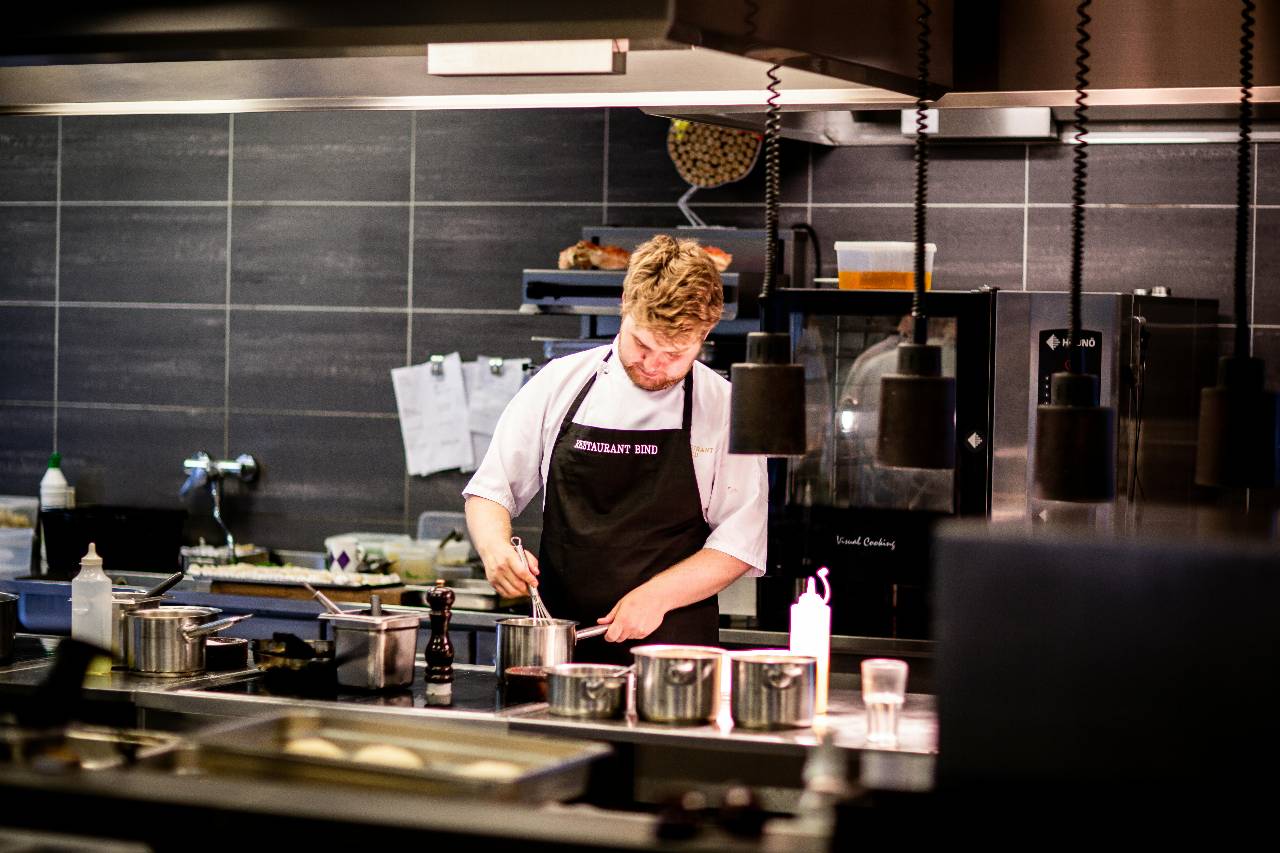
Before signing a lease, buying equipment, or building a delivery menu, owners should confirm that there is enough demand to support the cloud kitchen. A cloud kitchen depends heavily on online visibility and delivery volume, so guessing can be expensive.
Start by studying the delivery market within your target radius. Most cloud kitchens serve customers within a limited delivery zone because food quality declines when travel time is too long. A practical delivery radius may depend on the market, traffic, order type, and delivery partner, but owners should think carefully about how long the food can travel while still arriving fresh, hot, and presentable. If the kitchen is too far from dense residential areas, offices, hotels, colleges, or late-night demand, order volume may fall short.
Owners should also review the competition on delivery apps. Look at which food categories appear most often, which restaurants have high ratings, how menus are priced, and what customers complain about in reviews. If many customers mention cold food, slow delivery, missing items, or poor packaging, that can reveal an opportunity. A cloud kitchen can compete by being faster, more accurate, more consistent, or better positioned for a specific customer need.
Useful demand signals include -
1. Search demand - Are people searching for this food category in the area? Terms like "burgers near me," "healthy lunch delivery," "family meals," or "late-night food" can show customer intent.
2. Delivery app activity - Are similar restaurants receiving strong ratings, frequent reviews, and visible order activity? This can indicate that customers are already comfortable ordering that type of food for delivery.
3. Customer density - Are there enough households, offices, hotels, schools, or workers nearby to support repeat orders? Cloud kitchens often need steady volume, not just occasional demand.
4. Price tolerance - Can customers afford the menu after delivery fees, service fees, tips, and platform markups? A menu that looks profitable on paper may struggle if the final checkout price feels too high.
5. Daypart opportunity - Is demand stronger during breakfast, lunch, dinner, late night, or weekends? This helps owners plan staffing, prep levels, and operating hours.
Data should also guide the menu concept. For example, if lunch demand is strong near offices, the menu may need fast, portable meals with clear combos. If the area has strong family dinner demand, larger portions, bundles, and shareable items may perform better. If late-night demand is underserved, speed, simple execution, and durable packaging may matter more than a large menu.
Existing owners should use their own POS and ordering data before launching a cloud kitchen. Sales by item, sales by hour, ticket averages, modifier trends, voids, refunds, and repeat customer behavior can all reveal what customers already like. If certain menu items sell well for takeout or delivery, they may be strong candidates for a cloud kitchen menu. If items have high return rates, poor travel quality, or low margins, they should be reviewed before launch.
A cloud kitchen menu should be designed for delivery first, not simply copied from a traditional restaurant menu. In a dining room, food can be served immediately after it leaves the kitchen. In a cloud kitchen, that same food may sit in packaging, wait for a driver, travel through traffic, and arrive 20 to 45 minutes later. This means every menu item must be judged by how well it holds temperature, texture, flavor, appearance, and portion quality during delivery.
Owners should start by choosing items that are easy to prepare consistently and strong enough to travel. Foods that become soggy, separate quickly, lose heat fast, or require delicate plating may create customer complaints even if they taste great in the kitchen. A cloud kitchen menu should focus on items that can survive the delivery process while still feeling fresh and valuable when the customer opens the package.
A practical way to build the menu is to evaluate each item using four questions -
1. Can it travel well?
The item should hold up in packaging without losing too much quality. Crispy foods, sauces, fried items, and layered dishes may need special packaging or separate components to protect texture.
2. Can the kitchen make it quickly?
Delivery customers expect speed. Items with long prep times, too many steps, or difficult modifications can slow down the entire order flow.
3. Can it produce a strong margin?
Owners should price each item with food cost, labor, packaging, delivery commissions, discounts, and refunds in mind. A popular item is not always profitable if the real cost per order is too high.
4. Can ingredients be used across multiple items?
Shared ingredients help reduce waste and simplify purchasing. For example, the same protein, sauce, or vegetable mix may support bowls, wraps, salads, and family meals.
Menu size also matters. A large menu may look attractive, but it can create slower ticket times, more inventory complexity, higher waste, and more order errors. A smaller, focused menu is often easier to execute in a cloud kitchen because the team can prep faster, stock more accurately, and maintain better consistency. Owners can always expand later once they know which items sell well and which ones protect margins.
Packaging should be tested before the menu goes live. Owners should pack each item, let it sit for the expected delivery time, and then review it like a customer would. Is the food still hot? Is the container leaking? Did the fries lose texture? Did the sauce spill into the wrong area? Does the portion still look worth the price? These tests can reveal problems before customers leave negative reviews.
Pricing also needs careful planning. Delivery orders often include platform fees, service fees, delivery charges, and tips. If the menu price is too low, margins may disappear. If it is too high, customers may abandon the order at checkout. Owners should calculate the full cost of each item and compare it to the final customer experience. The goal is not only to sell food, but to sell food profitably.
A cloud kitchen needs a layout that supports speed, accuracy, and food quality. Since there is no dining room, the kitchen becomes the entire customer experience. Every step, from receiving ingredients to handing the finished order to a delivery driver, should be designed to reduce delays, prevent mistakes, and keep food consistent.
Owners should start by mapping the full order journey. Where does the order enter the system? Who sees it first? Where is the food prepared? Where is it cooked? Where is it packaged? Where do completed orders wait for pickup? When this flow is not planned clearly, employees may cross paths too often, tickets may get missed, food may sit too long, and drivers may crowd the wrong area.
A strong cloud kitchen layout should include these key areas -
1. Receiving and storage area - Ingredients should be checked, labeled, and stored quickly when deliveries arrive. Cold items must move into refrigeration without delay, and dry goods should be organized so employees can find products easily. Poor storage setup can lead to waste, stock-outs, and slower prep.
2. Prep station - The prep area should be close to storage but separate from final packaging. This helps staff prepare proteins, sauces, vegetables, sides, and batch items without interfering with active orders. Clear prep lists help control labor time and reduce last-minute scrambling during rush periods.
3. Cooking line - Equipment should match the menu, not the other way around. Owners should avoid buying equipment that does not support core menu items. Fryers, ovens, grills, steam tables, refrigeration, and holding units should be placed to reduce unnecessary movement and keep ticket times short.
4. Packaging station - This is one of the most important areas in a cloud kitchen. Containers, bags, labels, utensils, napkins, sauces, tamper-evident seals, and receipt printers should be organized in one place. If packaging supplies are scattered, employees waste time and increase the risk of missing items.
5. Order verification area - Before an order leaves the kitchen, staff should have a clear process to check the ticket, item count, modifiers, sauces, drinks, and special instructions. A simple verification step can reduce refunds, complaints, and negative reviews.
6. Driver pickup zone - Delivery drivers should not interrupt the cooking line or packaging station. A separate pickup shelf or handoff area helps keep the kitchen organized. Orders should be labeled clearly with customer name, order number, platform, and pickup time.
Equipment planning should be based on expected order volume, peak demand, and menu complexity. For example, a kitchen that sells fried items needs enough fryer capacity to handle rush periods without slowing down orders. A kitchen that sells bowls or salads needs strong refrigeration and prep space. A kitchen that sells hot entrees may need holding equipment to protect temperature without drying out the food.
Workflow is just as important as equipment. Owners should create standard operating procedures for opening tasks, prep timing, order assembly, packaging, driver handoff, cleaning, inventory counts, and closing duties. These procedures help employees work the same way every shift, which makes performance easier to measure and improve.
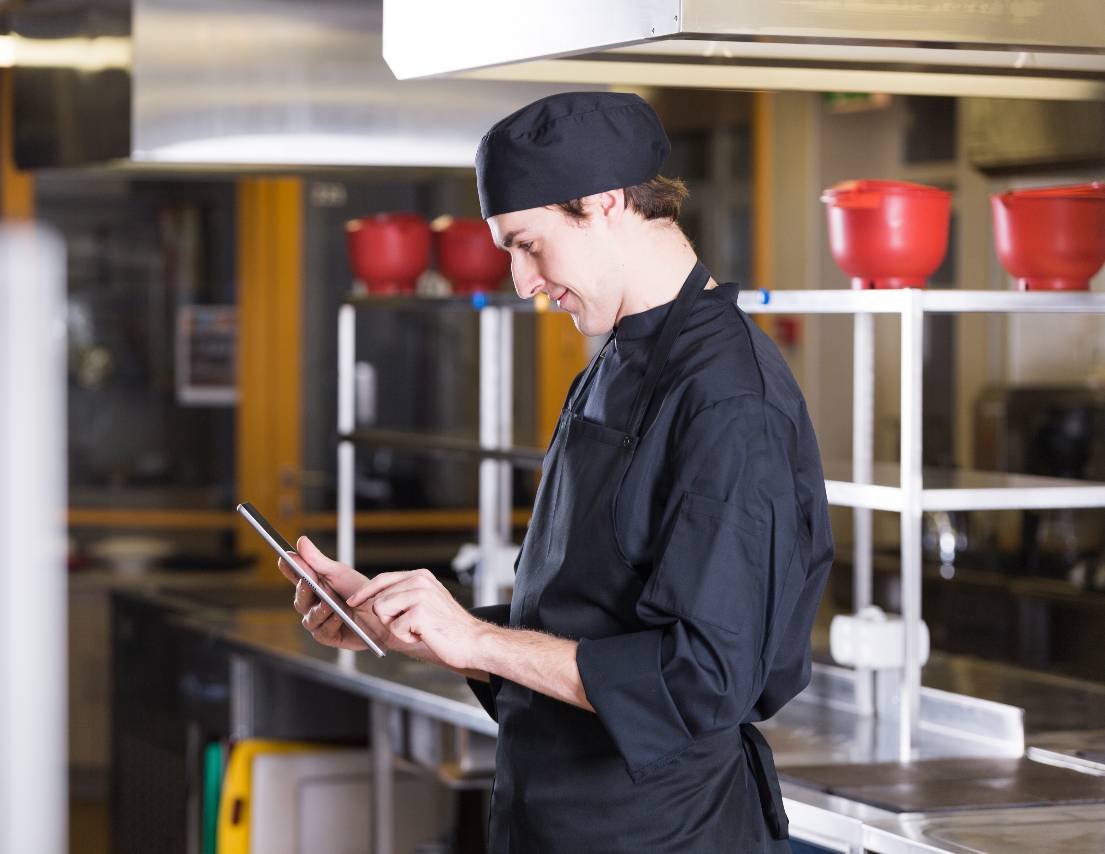
Technology is one of the most important parts of a cloud kitchen because most of the business happens digitally. Customers place orders online, delivery platforms send tickets into the kitchen, staff prepare food based on digital instructions, and owners rely on reports to understand performance. Without the right systems, a cloud kitchen can quickly become disorganized, especially when orders come from multiple channels at the same time.
The first priority is a reliable POS system. The POS should capture sales, menu items, modifiers, discounts, taxes, payments, refunds, and order history. For owners, this data is not just for transactions. It helps identify best-selling items, slow periods, high-value customers, average order value, and menu performance. A strong POS gives owners the foundation they need to manage the business with real numbers instead of guesswork.
Cloud kitchens also need online ordering and delivery app integrations. If orders from third-party apps, websites, and other digital channels have to be entered manually, the risk of mistakes increases. Manual entry can lead to missed items, wrong modifiers, duplicate tickets, delayed orders, and inaccurate reporting. Integrated ordering helps send tickets directly to the kitchen, reduce staff workload, and create a smoother order flow.
A kitchen display system can also improve speed and accuracy. Instead of relying only on printed tickets, a kitchen display system organizes orders by station, time, priority, and status. This helps staff see what needs to be prepared, what is running late, and what is ready for packaging. For a cloud kitchen, where timing affects delivery quality, this visibility is critical.
Owners should also use technology to manage inventory. A cloud kitchen may operate with a smaller menu, but inventory can still become complicated if multiple platforms, modifiers, and virtual brands are involved. Inventory software can help track ingredient usage, vendor orders, stock levels, waste, and recipe costs. This makes it easier to spot over-ordering, under-ordering, price increases, and margin pressure.
Labor scheduling tools are another important part of the system. Cloud kitchens need staffing based on demand patterns, not habit. If most orders come during lunch, dinner, late night, or weekends, schedules should reflect that. Owners should compare labor hours against sales volume, ticket times, and order counts to avoid both overstaffing and understaffing.
Reporting is where technology becomes especially valuable. Owners should monitor key numbers such as -
1. Total orders by channel
2. Average order value
3. Food cost percentage
4. Labor cost percentage
5. Ticket time
6, Refunds and cancellations
7, Item-level profitability
8. Delivery platform fees
9. Customer ratings and reviews
10. Repeat order activity
These metrics help owners understand what is working and what needs attention. For example, if ticket times increase during dinner, the kitchen may need better prep, more staff, or a simpler menu. If refunds are high on certain items, the issue may be packaging, accuracy, or food quality. If one delivery platform has high sales but low profit, commissions and discounts may need to be reviewed.
A cloud kitchen may not have a dining room, but it still has the same responsibility to operate legally, safely, and consistently. Owners must treat the business like a full foodservice operation, not a side project. Before opening, the kitchen needs the right permits, trained staff, food safety procedures, daily checklists, and operating standards. Without this foundation, even a strong menu and good technology can fail.
The first step is to confirm all licensing and permit requirements. These may vary by city, county, and state, but owners typically need a business license, food service permit, health department approval, food handler certifications, insurance, and approval to operate from a commercial kitchen. If the cloud kitchen uses a shared kitchen, owners should confirm what the facility covers and what the business owner is still responsible for. Never assume the shared kitchen's license automatically covers every brand, menu, or operating process.
Food safety should be built into the daily workflow. A delivery-only kitchen still needs clear standards for receiving, storage, prep, cooking, cooling, holding, packaging, and cleaning. Owners should track refrigerator temperatures, freezer temperatures, cooking temperatures, product labels, expiration dates, allergen procedures, and sanitation tasks. These checks protect customers, reduce waste, and help the kitchen stay inspection-ready.
Staffing should be planned around order volume and peak periods. Cloud kitchens often need fewer front-of-house employees, but they still need strong kitchen execution. A lean team may include cooks, prep staff, expeditors, packers, and a manager or shift lead. During busy periods, one missing role can slow the entire operation. For example, if no one is assigned to verify orders, mistakes may increase. If no one manages driver handoff, completed orders may sit too long.
Daily operations should be supported by simple, repeatable procedures. Owners should create standards for -
1. Opening duties
2. Prep lists
3. Receiving deliveries
4. Food labeling and rotation
5. Order assembly
6. Packaging and sealing
7. Order accuracy checks
8. Driver pickup
9. Customer complaint handling
10. Cleaning and closing tasks
These procedures help employees work the same way every shift. This matters because cloud kitchens depend on consistency. Customers may never meet the staff or see the kitchen, so the order itself must prove that the brand is reliable. Missing sauces, cold food, poor packaging, or wrong items can quickly lead to refunds, bad reviews, and lower repeat business.
Owners should also track daily operating data from the beginning. Important numbers include labor hours, ticket times, order counts, refunds, waste, voids, late orders, customer complaints, and inventory shortages. These metrics show where the operation is strong and where it needs improvement. For example, high waste may point to poor forecasting. Long ticket times may show that prep levels are too low. Frequent missing items may mean the order verification process is weak.
When licensing, food safety, staffing, and daily operations are handled correctly, the business is better prepared to grow without losing control of quality, compliance, or profitability.