What is AI Drive-Thru Ordering? A Guide for Restaurant Owners
AI drive-thru ordering helps restaurants improve speed, accuracy, upselling, labor efficiency, and customer flow by using daily measurable operational data.
tech
Jun 15, 2026
AI drive-thru ordering helps restaurants improve speed, accuracy, upselling, labor efficiency, and customer flow by using daily measurable operational data.
Jun 15, 2026
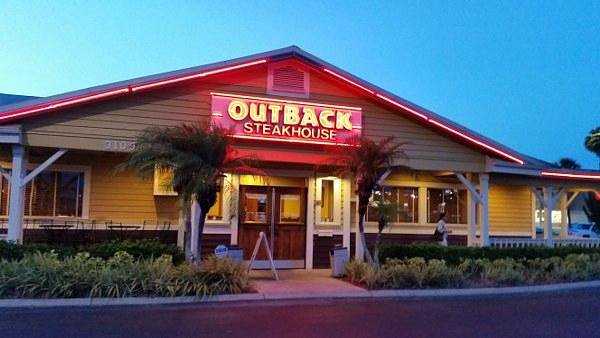
Outback Steakhouse is rolling out a limited-time Father's Day menu from June 17–21, featuring bold new steak and surf-and-turf dishes plus an exclusive gift card promotion running through June 21.
Jun 15, 2026
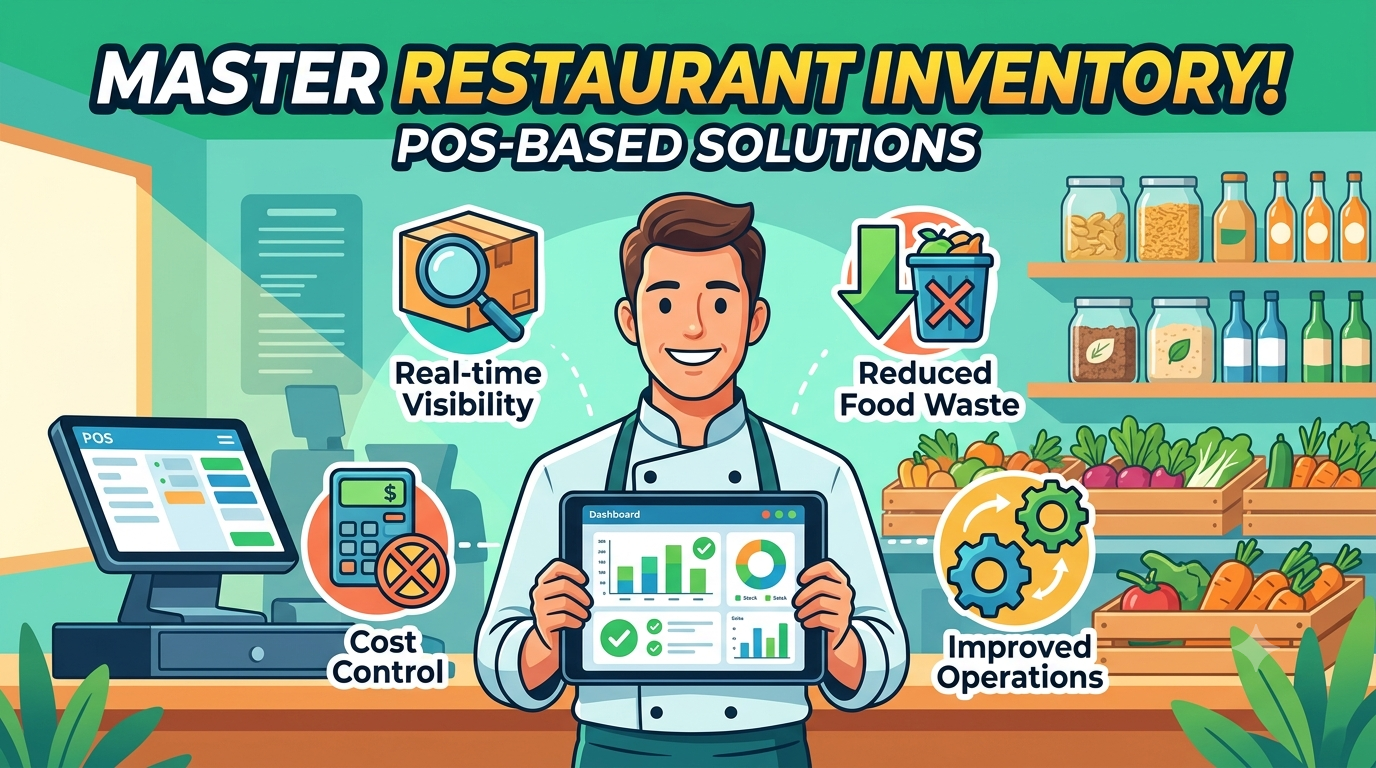
Discover how POS-based inventory management helps restaurants reduce food waste, control costs, and gain real-time visibility into stock levels for smoother daily operations.
Jun 15, 2026
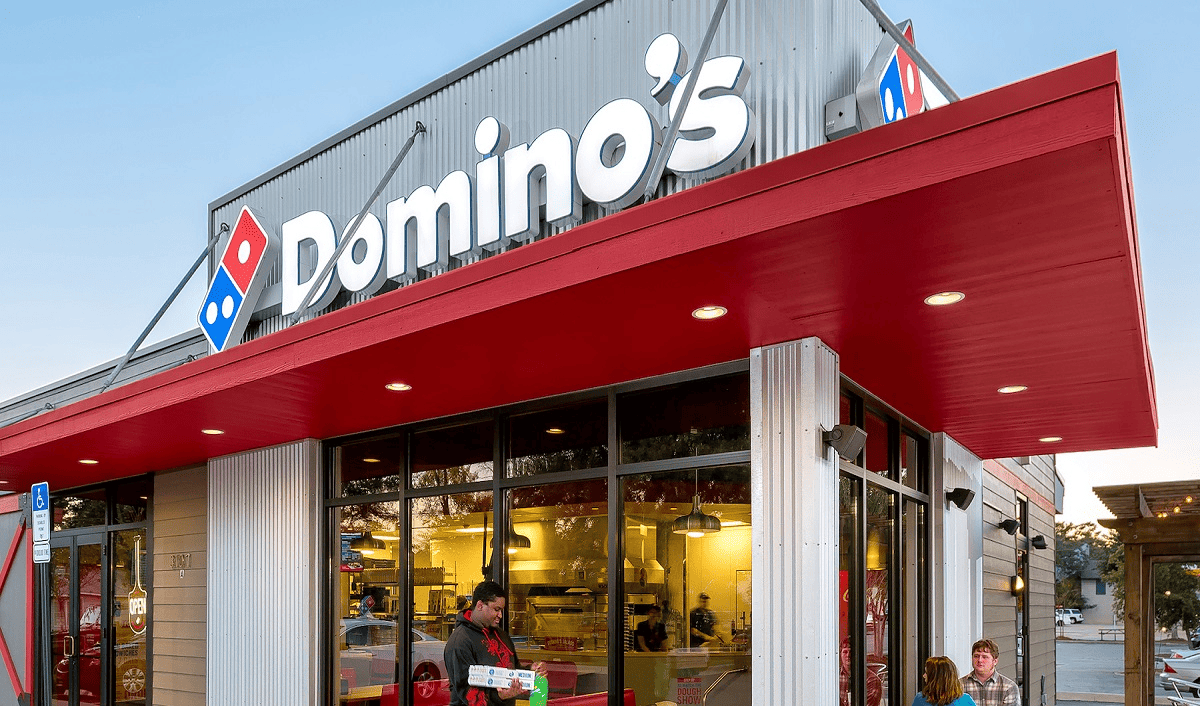
Domino's Pizza has expanded its popular 'Best Deal Ever' promotion to include Parmesan Stuffed Crust at no extra charge, offering any pizza with any crust and toppings for just $9.99, available through July 26.
Jun 15, 2026
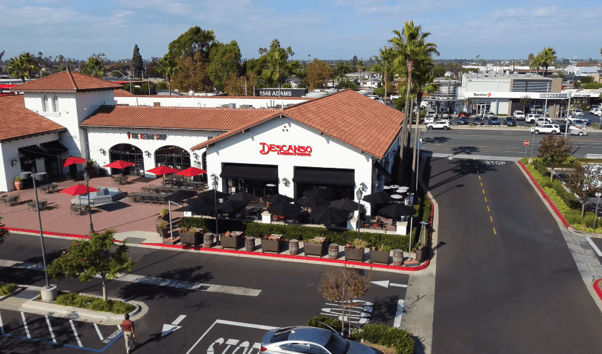
Explore how Descanso in Costa Mesa brings Mexico’s vibrant street food culture into a refined, full-sensory dining experience. Discover operational strategies, business insights, and the nuanced approach to customer interaction, menu design, and staff training that define their concept of elevated Mexican cuisine.
Jun 15, 2026
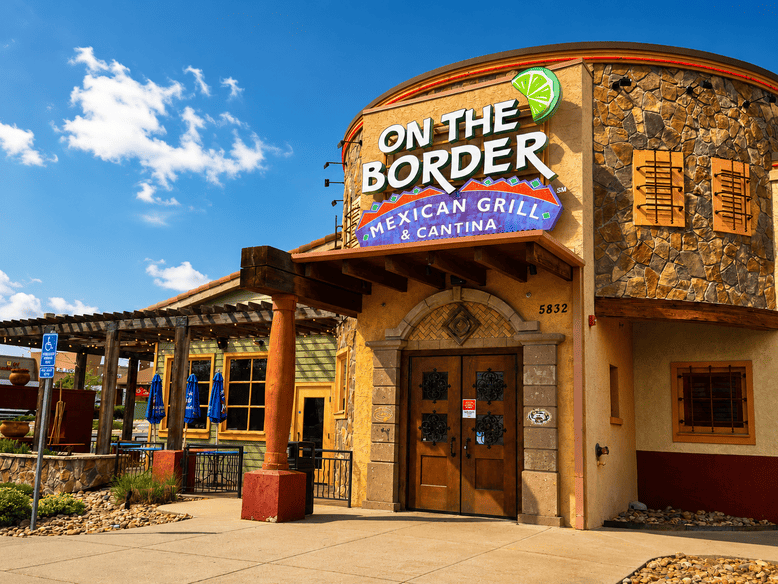
On the Border has closed all of its company-owned restaurants just over a year after being acquired out of bankruptcy by Pappas Restaurants, leaving only five franchised US locations and one in South Korea still operating.
Jun 15, 2026
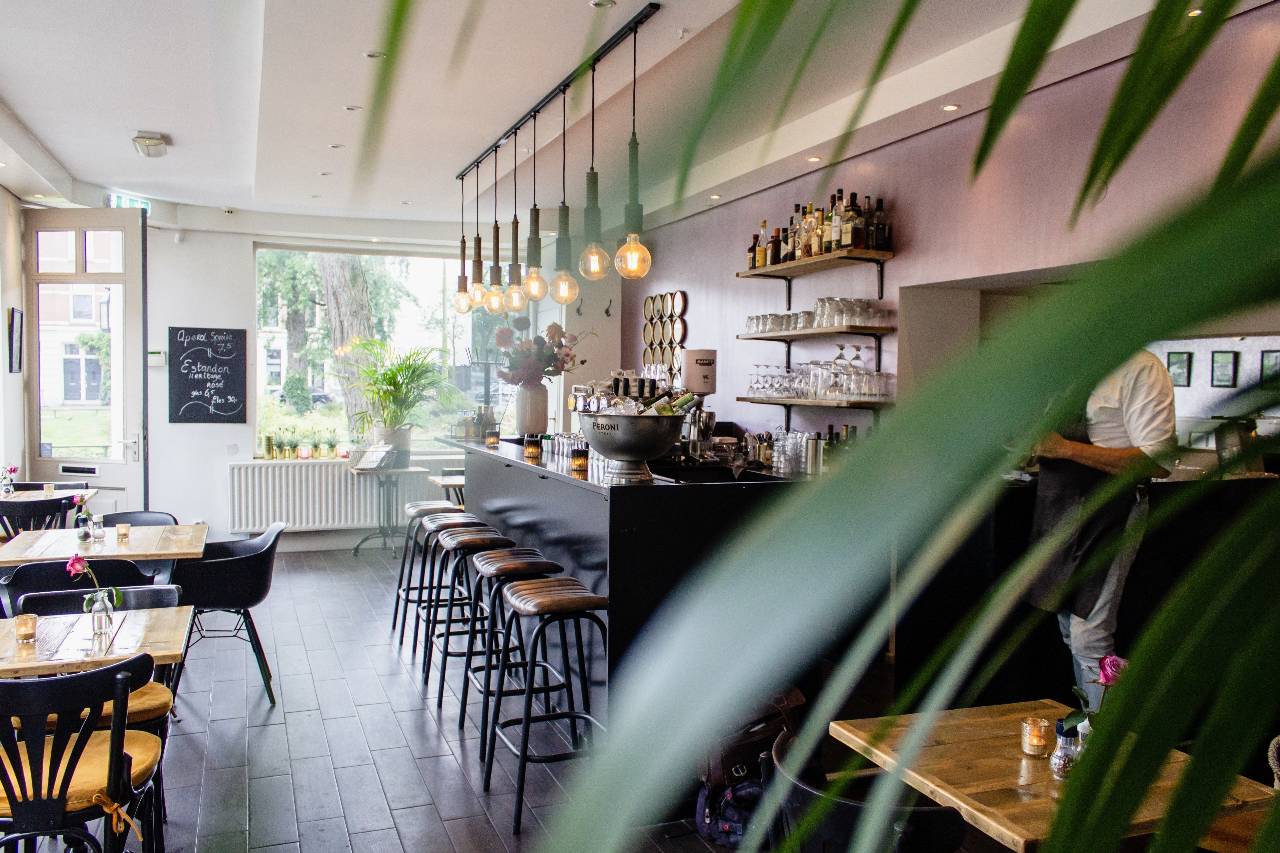
A profitable cafe starts with audience building, data-driven location choices, smart financial planning, AI support, strong systems, and community-focused marketing.
Jun 15, 2026
Krispy Kreme has unveiled its Summer Seasonal Collection, featuring two new doughnuts, returning fan favourites, and two limited-time Lemonade Chillers- available from June 16 for a limited time at participating US locations.
Jun 15, 2026

PE is rolling up franchise supplier platforms like IFPG and Fastlane, blending brokers, marketing, and AI to scale development and reshape pricing.
Jun 14, 2026

World Central Kitchen's Food Is Life brings free chef-crafted bites to World Cup watch parties, turning fan energy into hunger relief across U.S. host cities.
Jun 14, 2026
Learn how to schedule restaurant staff during peak and slow seasons using sales forecasting, labor matrices, cross-training, and workforce planning strategies that reduce labor costs and improve operational efficiency.
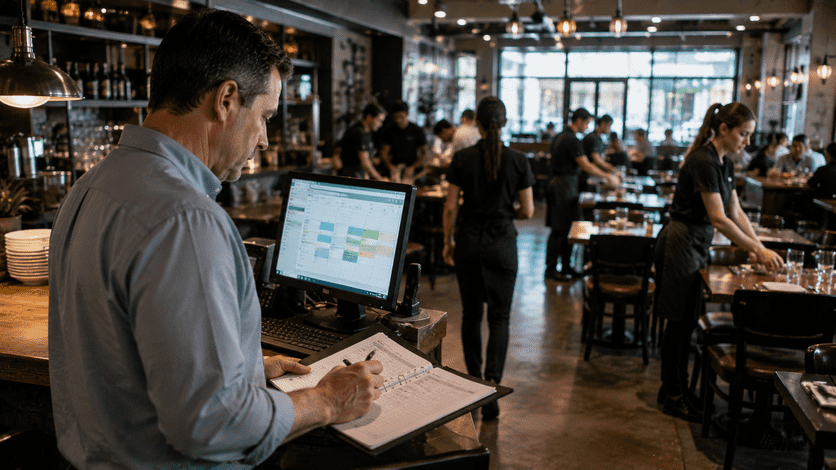
It is a rainy Tuesday at 3 PM in late January. You walk into your dining room and see three servers leaning on the host stand, mindlessly folding the same stack of napkins for the third time. In the back of house, two line cooks are staring at their phones. The restaurant is completely dead. Every minute that ticks by on the clock is draining your bank account. Conversely, think back to the first patio weekend of the summer - the ticket machine never stopped printing, you were down a bartender, and ticket times pushed past 45 minutes because you underestimated the dinner rush. Operating a profitable foodservice business requires walking a razor-thin line. You cannot afford to guess who needs to be in the building. Learning The Right Way to Schedule Restaurant Staff During Peak and Slow Seasons is the single most critical operational skill a general manager can possess to protect margins. Let’s break down exactly how to stop burning cash, stop burning out your staff, and start scheduling with mathematical precision.
In the restaurant industry, your Prime Cost the grand total of your Cost of Goods Sold (food and beverage) plus your Total Labor Cost dictates your survival. For a healthy, independent restaurant, your Prime Cost should sit strictly between 60% and 65% of your total gross sales. Labor is your most volatile, yet most controllable, expense. When you overstaff during a slow season, you are actively paying people to stand around. This destroys your labor percentage and eats your net profit before the food even hits the plate. When you understaff during a peak season, the financial damage is even worse. Ticket times drag, food sits dying in the expo window, guests leave angry Yelp reviews, and your overworked staff quits in frustration. The cost of hiring and training a replacement line cook is vastly more expensive than scheduling correctly in the first place. You must stop treating scheduling like a chore you rush through on a Thursday afternoon. It is the financial steering wheel of your business.
You cannot build an effective schedule based on your "gut feeling." You must build it based on hard data. The foundation of professional scheduling is the Labor Matrix, which dictates exactly how many bodies you need based on forecasted sales volume.
When the weather gets warm and the patio opens, the natural instinct of a fearful manager is to just "throw bodies at the problem." This leads to chaotic floor plans, people tripping over each other, and catastrophic overtime.
January and February are the graveyards of the restaurant industry. Sales plummet, and cash reserves dry up. However, if you simply slash everyone's hours to zero, your absolute best bartenders and lead line cooks will quit to find restaurants that can feed them. You must protect your "A-Team."
Writing the schedule should not take a manager six hours. Follow this exact weekly timeline to build a bulletproof matrix. Step 1 - The Tuesday Data Pull (14 Days Out) Great operators write schedules two weeks in advance. On Tuesday morning, pull your historical sales data and weather forecast for the upcoming period. Determine if you are running Volume A, B, or C templates for each day. If you utilize an API bridge like AnyConnector, your POS sales data should pipe directly into your scheduling software, giving you the precise sales target. Step 2 - Build the Skeleton Structure Do not look at employee names yet. Build the "Skeleton" of the schedule based purely on the roles needed. "I need 1 Grill Cook from 3 PM to 11 PM." "I need 1 Bartender from 10 AM to 5 PM." Map out the required hours before you start accommodating staff preferences. Step 3 - Stagger the In-Times (The Wave) Never schedule four line cooks to clock in at 3 - 00 PM. They will clock in, go to the bathroom, make a coffee, and stand around talking until 3 - 45 PM. You are paying for dead time. Stagger the arrivals. Cook 1 (Prep & Setup) - In at 2 - 00 PM. Cook 2 (Hot Line) - In at 3 - 30 PM. Cook 3 (Fry/Expo) - In at 4 - 30 PM. Bring the labor in like a wave, matching the exact trajectory of your incoming reservations. Step 4 - Fill the Roles and Post Now, drop the employee names into the skeleton based on their skill level and approved availability. Post the schedule electronically by Thursday evening, giving your staff a full 10 days' notice before the work week begins.
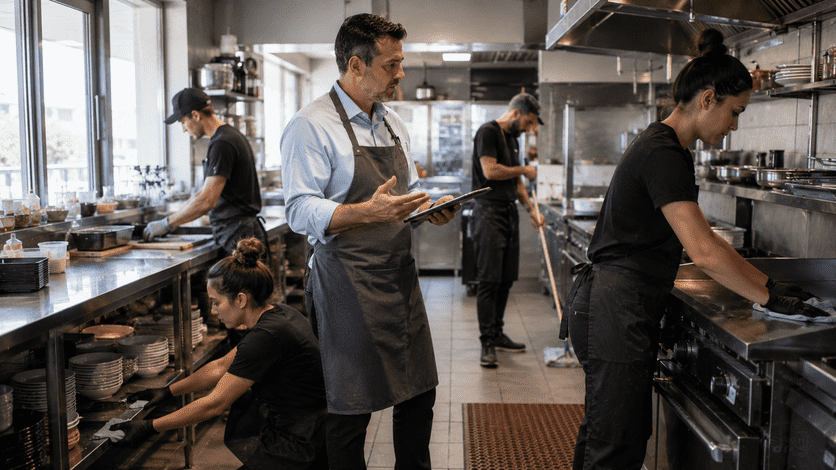
A perfect schedule falls apart if your staff does not respect the system. You must establish strict boundaries and train your team on how to interact with the labor matrix.
How do you know if you are actually mastering The Right Way to Schedule Restaurant Staff During Peak and Slow Seasons? You track the specific Key Performance Indicators (KPIs) associated with labor efficiency.